
Church presentation software · Free for Windows
Prepare with confidence. Project with certainty.
Hope Control brings worship lyrics, presentations, videos, motion backgrounds, overlays, audio, and stage display into a single operator screen. Prepare on one side, project on the other — and always know exactly what your church sees.
Free to download and use.

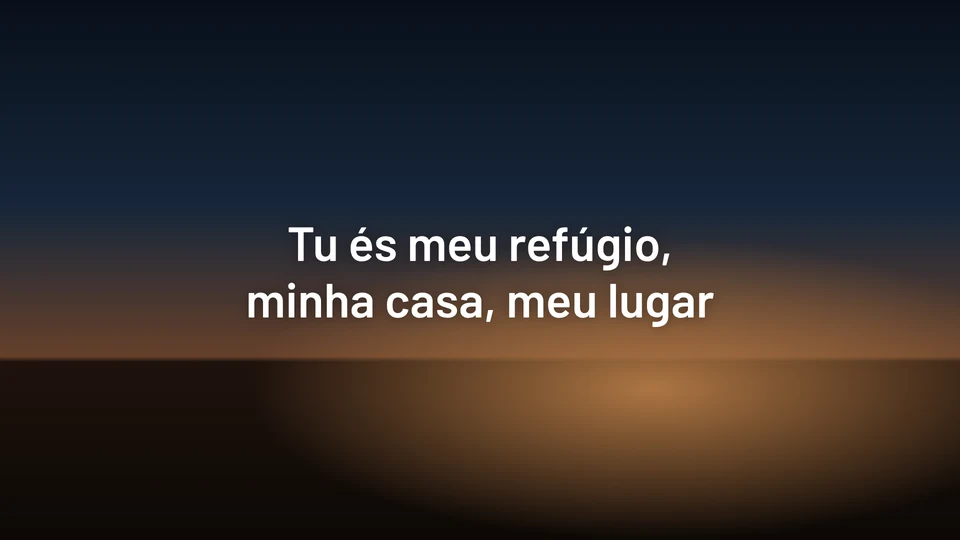
Power for your service
Lyrics, slides, PDF, PowerPoint, video, and stills output through the same screen, in individual layers you control independently.
Simplicity for the operator
Preview on one side, live screen on the other. What is on air has a red outline; the next queued slide, blue.
Freedom for your church
100% free to download and use. Install on your church projection PC and run your next worship service.
A mission control center, not just a lyrics app.
Everything displayed on screen is managed through a single screen divided into four dedicated workspaces. Prepare on the left and bottom; project on the right.
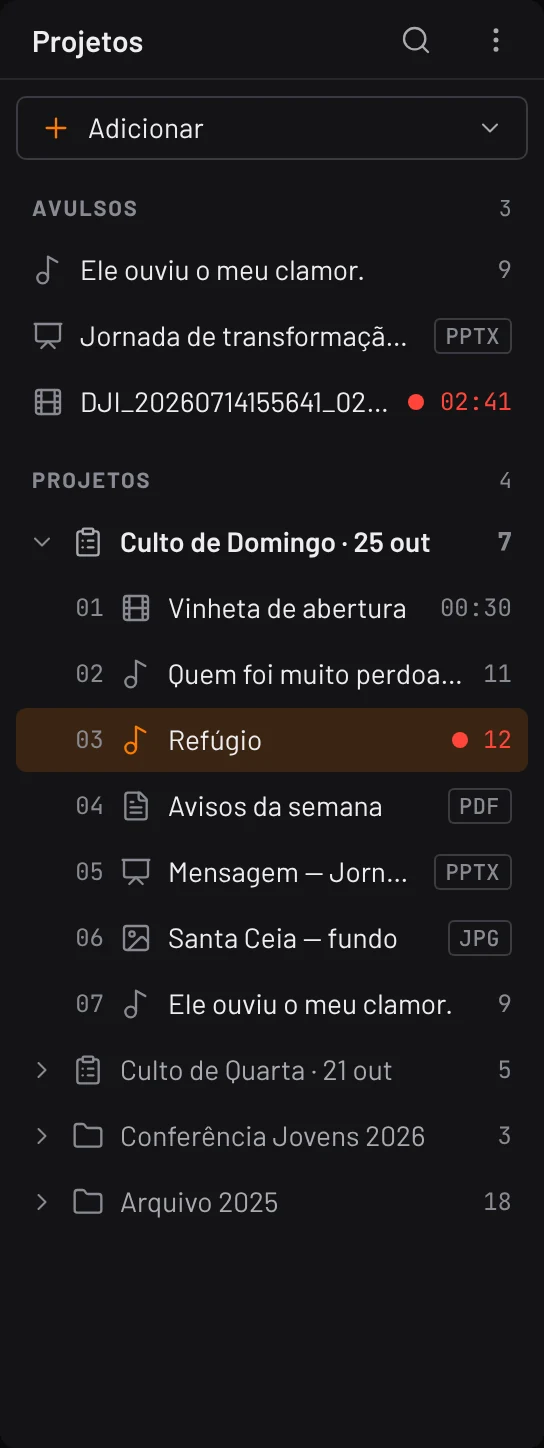
Services
The order of service ready in sequence. Single files also open directly, without needing to create a project first.
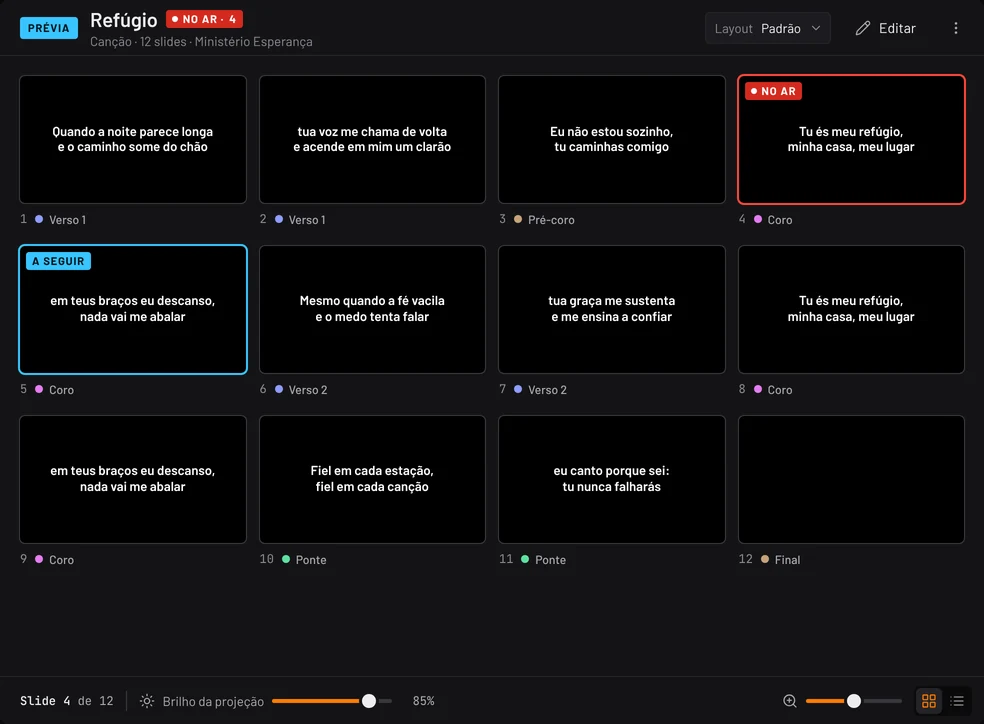
Preview
Your active content, slide by slide or page by page. Review everything carefully before sending it to the screen.
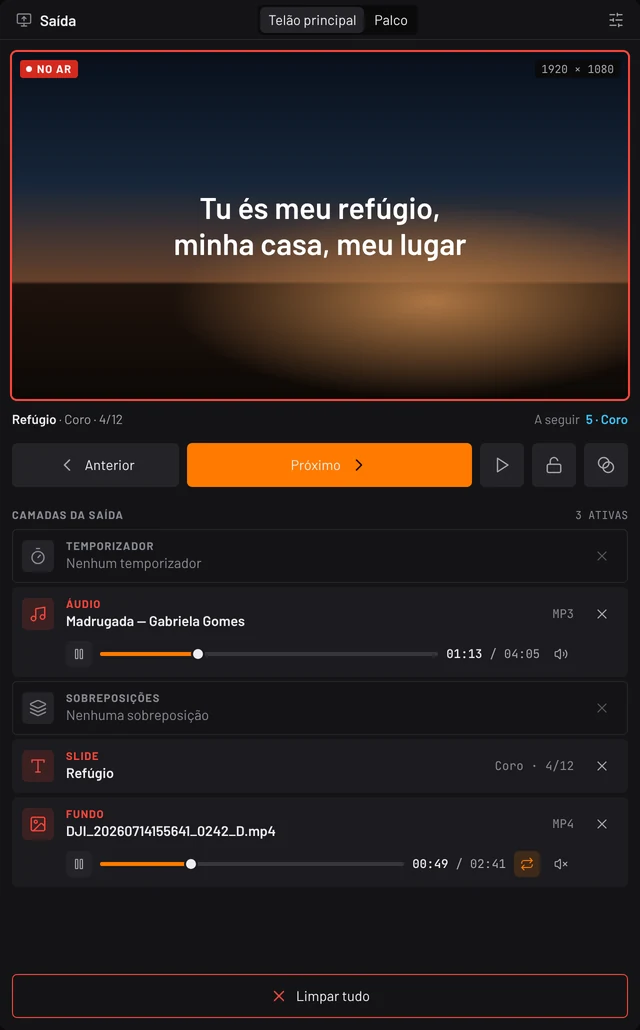
Output
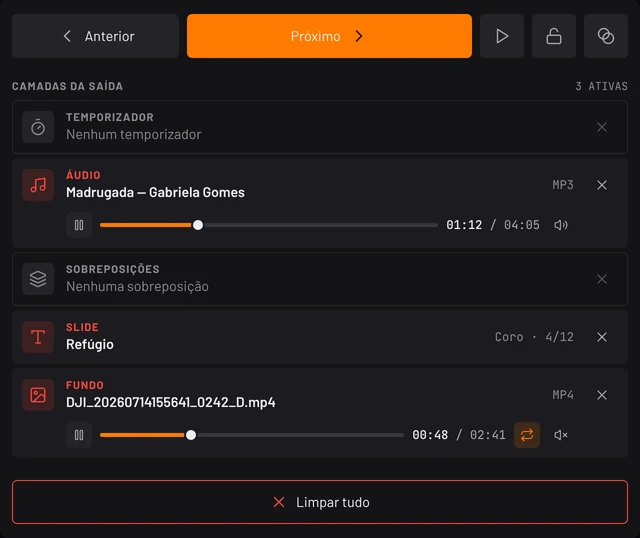
Exactly what your church sees, with rapid navigation controls and active layer toggles placed right below.
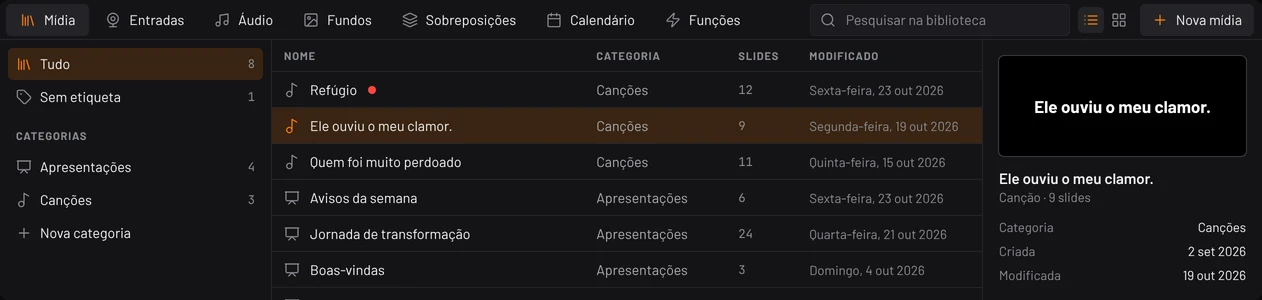
Library
Songs, media, inputs, audio tracks, motion backgrounds, overlays, calendar, and tools — always at your fingertips.
Swipe to view all four workspaces
What fits on this screen
8 core capabilities, one seamless workflow-
Worship lyrics
Organized in clear slides, with verse, chorus, bridge, and vamp clearly identified.
-
Projection
Single or multi-display output with screen lock to browse safely without altering what is live.
-
Media
Video playback, images, PDF files, and PowerPoint slides directly in the same slide grid.
-
Backgrounds
Motion video loops or still images behind lyrics, swappable at any moment on the fly.
-
Overlays
An independent top overlay layer for lower thirds, alerts, tithes, and announcements.
-
Audio
Audio tracks and background worship music with built-in volume and playback progress.
-
Stage display
A dedicated confidence monitor output for worship teams, pastors, and vocalists.
-
Services
Full worship setlists and sermon slides organized before Sunday service begins.
Find the song. Prepare the slides. Focus on the service.
From last-minute song requests to the final chorus, the workflow is fast, reliable, and predictable.
- 01
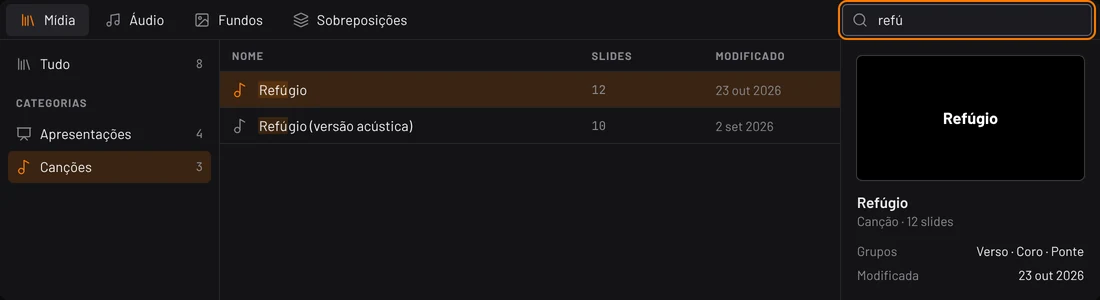
Search
Type part of the song title or lyrics and the song appears instantly from your church library, with slide count and last edit date.
- 02
Prepare
Lyrics open in preview, split into slides and categorized by song sections — verse, pre-chorus, chorus, bridge. Nothing goes live until you say so.
- 03
Project
One click sends the slide live. The next slide is highlighted in blue, and the motion background keeps playing seamlessly behind.
- Your library, your way: organize categories like Worship Songs, Hymns, and Sermon Notes.
The operator sees everything. The church sees only what matters.
Preview and live output stay strictly separated. Every state has a distinct color, shape, and label. In a live church service, that makes all the difference.

Red means Live
Red outline and badge only appear on what the congregation is actively seeing. Nothing else on screen uses this color.
Locked output
Lock the live screen and navigate freely through preview slides. Nothing changes outside until you unlock.
Independent layers
Clear just the background, just the lyrics, or just the audio — or clear all with a dedicated button in the same place.
Multiple displays
Main congregation projector and backstage confidence monitor, each with independent customized views.
Beautiful presentations without relying on third-party design tools.
Background, lyrics, and overlays live on separate layers. Switch any layer without touching the others, and preview the combined result before projecting.

Background
Motion video or still image
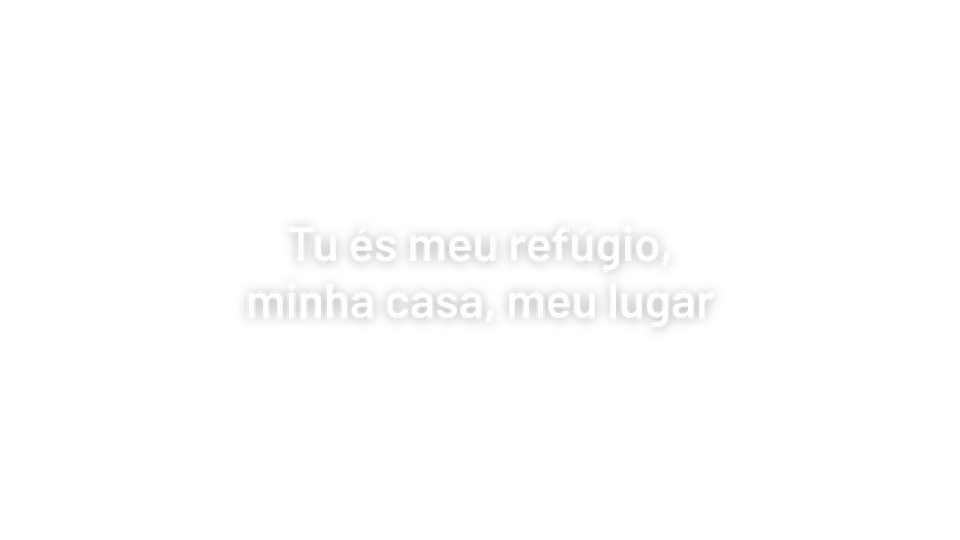
Slide
Lyrics with your chosen typography theme

Overlay
Independent top layer (alerts, lower thirds)
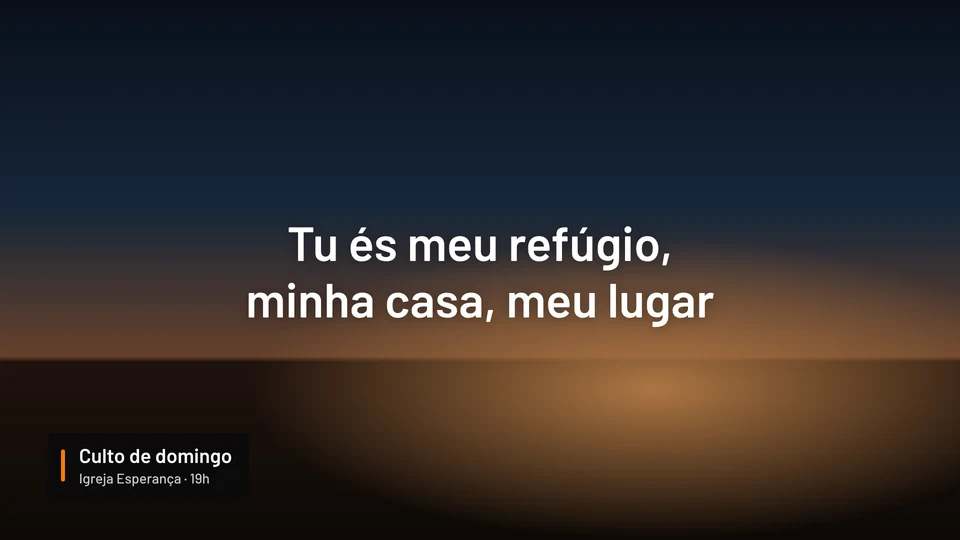
Live On screen
All three layers composited together
ASame lyrics, three backgrounds — switch background without rebuilding slides
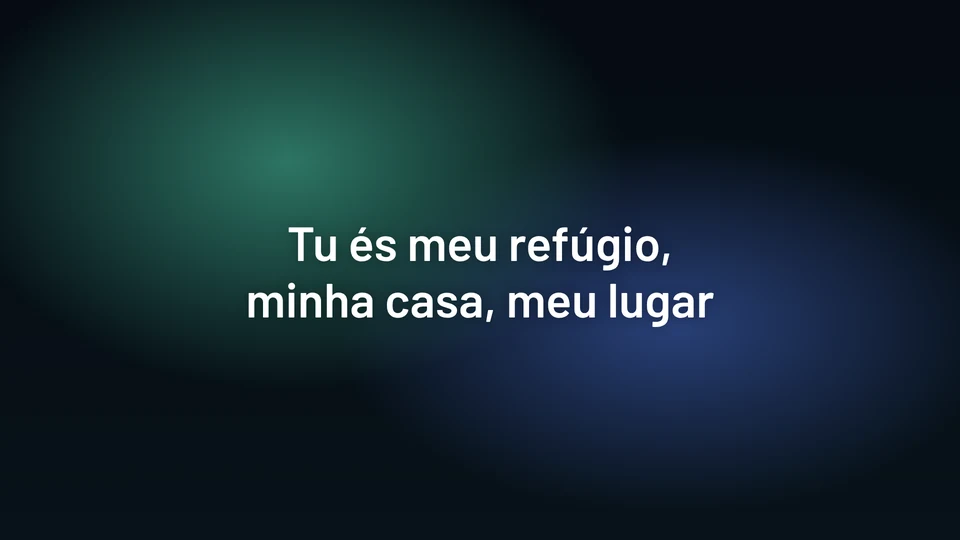
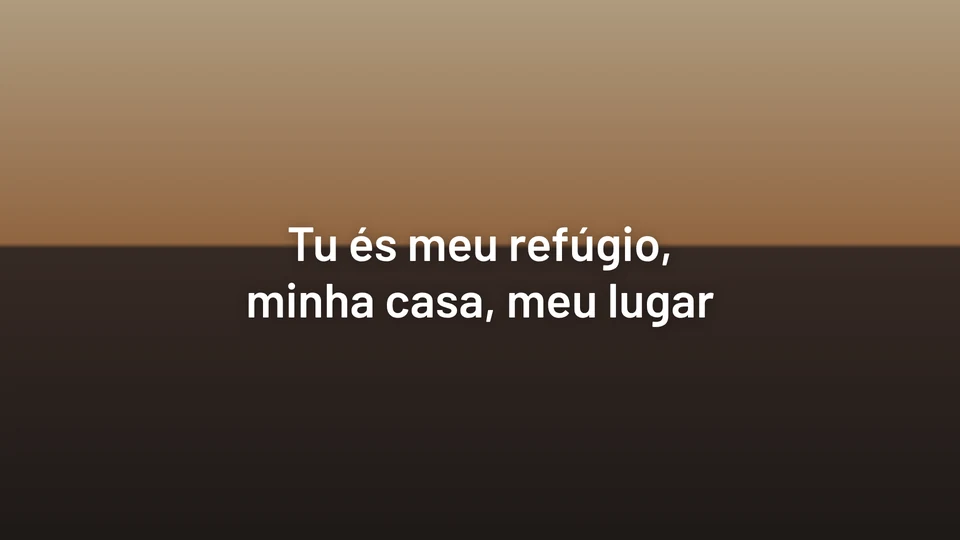
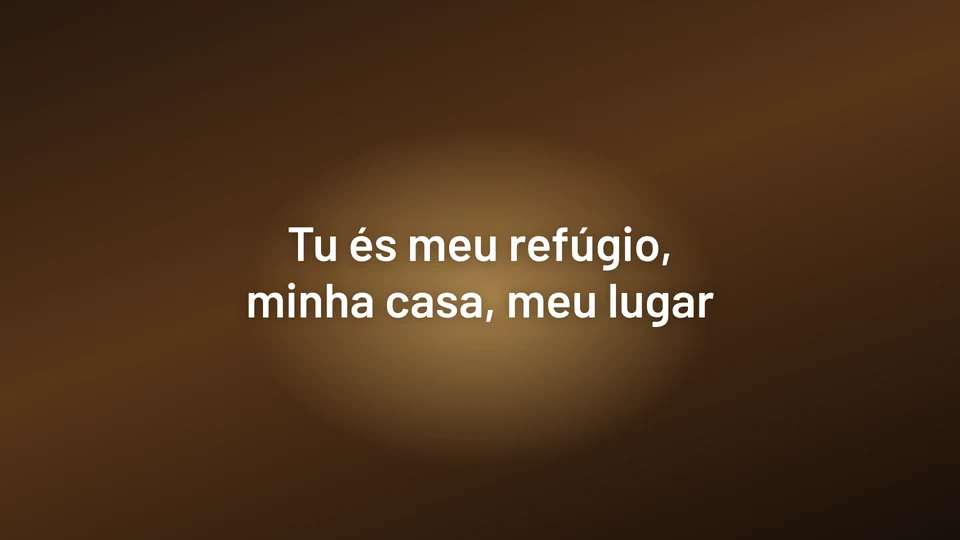
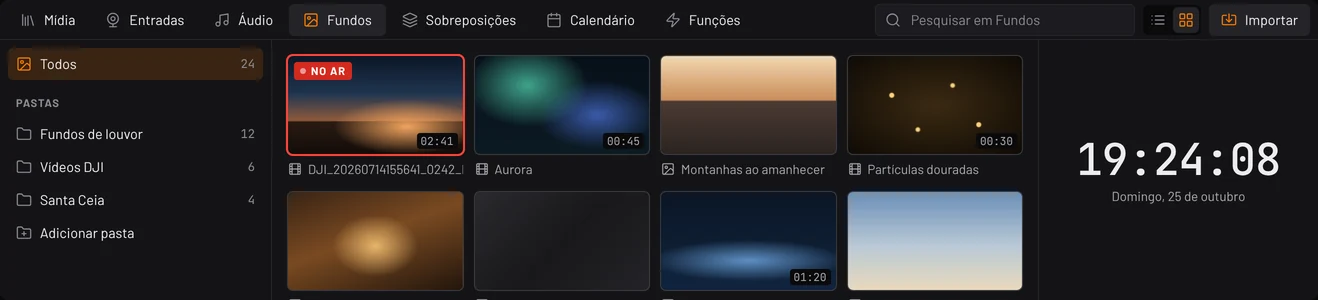
Backgrounds organized in folders with video durations
Seamless video loops and high-resolution stills ready for instant presentation.
Typography themes
Font pairings, text shadows, and high-contrast outlines for maximum sanctuary readability.
Built specifically for the real rhythm of church services.
A full Sunday service from pre-service countdown to benediction, and what the operator experiences at every moment.
- 18:40 Before Service
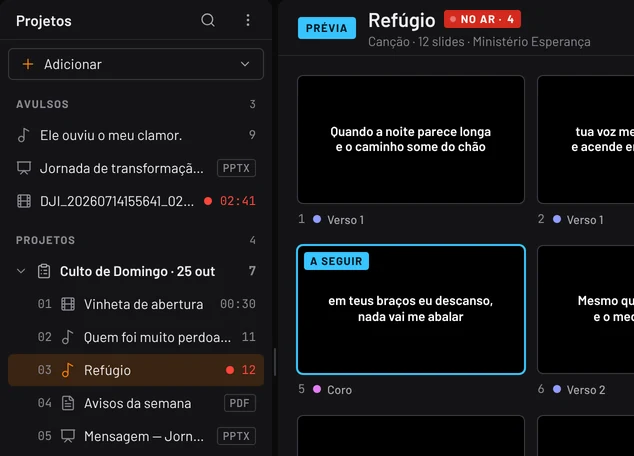
The setlist is already assembled.
Countdown video, worship set, announcements, sermon slides, and Communion ready in order. Last-minute files open directly as standalone items.
- 19:00 Call to Worship
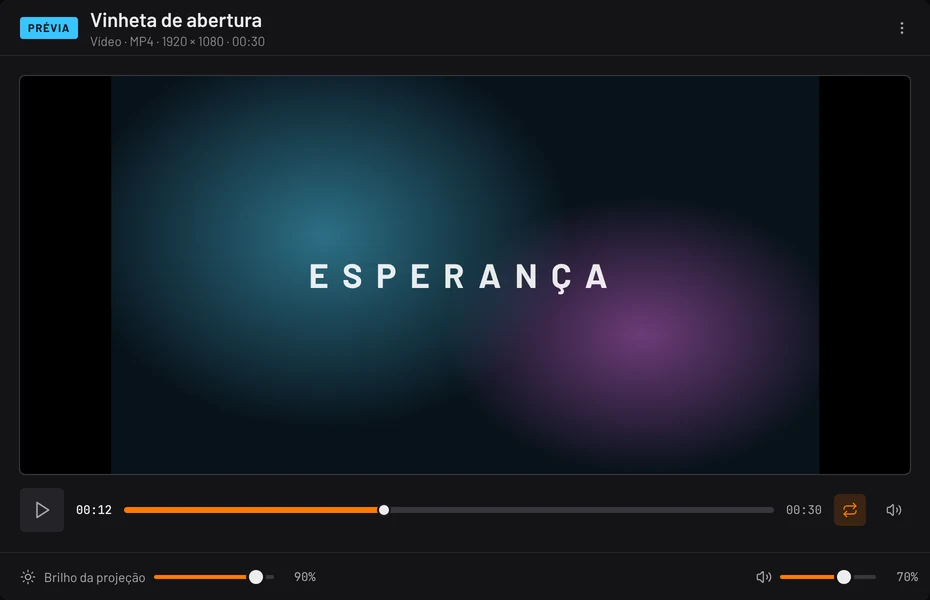
Opening countdown video.
Video plays with real-time timeline, loop toggle, and audio fader. Projector brightness adjustable right on screen.
- 19:14 Worship
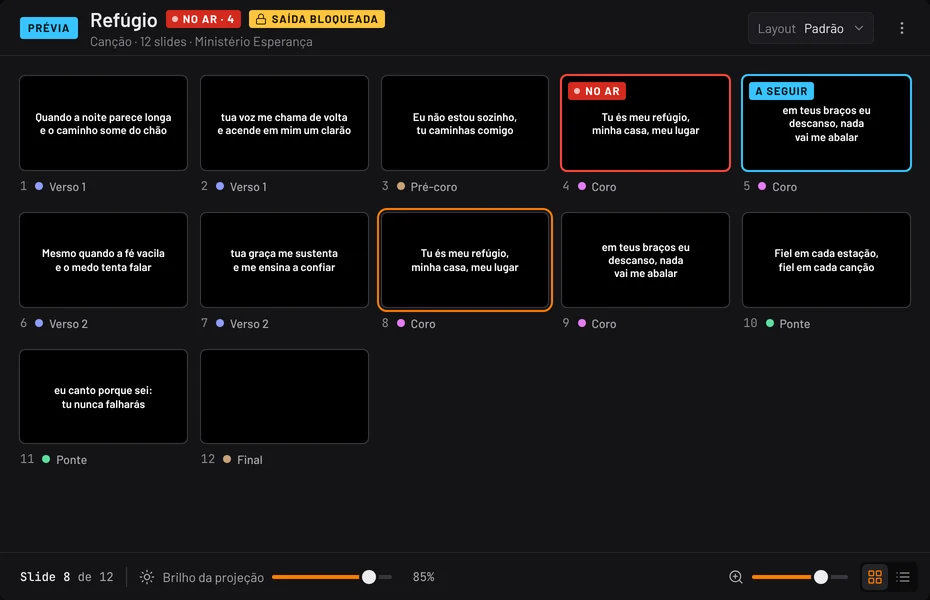
Spontaneous song requested.
Search by title or lyrics snippet, open in preview. The current song remains live on screen while you queue the next.
- 19:31 Sermon
Navigate without affecting the screen.
With live screen locked, clicking slides only updates operator preview. The congregation screen updates only when you are ready.
- 19:52 Announcements
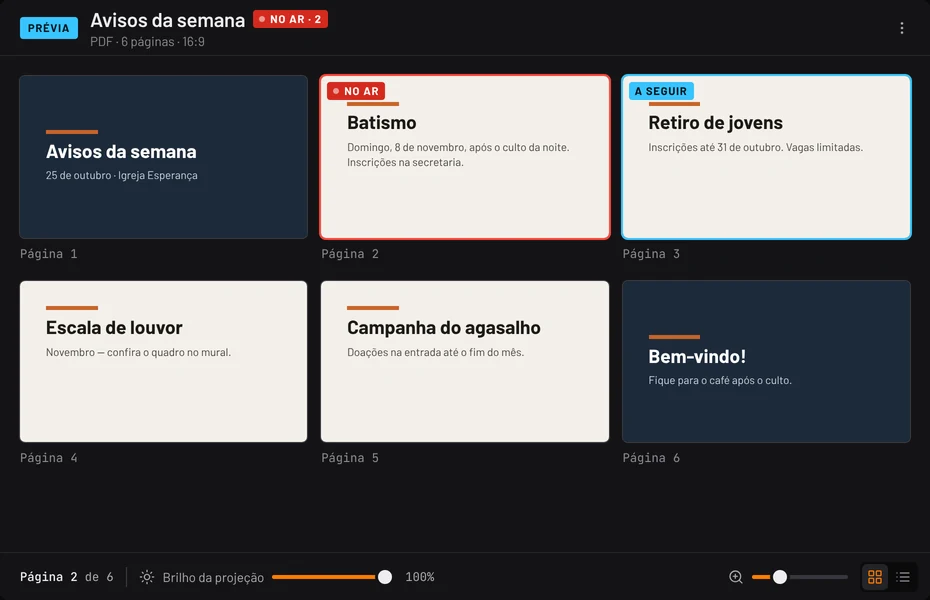
PDF & slides page by page.
PDFs and PowerPoint presentations use the same familiar slide grid, with live and next pages clearly marked.
- 21:05 Benediction
Clear all in one place.
Or clear layer by layer: background, slide text, overlays, audio, and timers each have their own quick-clear button.
A full-featured church presentation software, completely free for your church.
Hope Control is free to download and use. Install it on your church projection PC, bring your media files, and run your next service with complete confidence.
- Free to download and use with no subscription
- Direct download at hopectrl.com
- Complete documentation and release updates
Learn at your own pace.
The official help center features concise, practical guides for every aspect of Hope Control operation.

Your next church presentation starts here.
Download Hope Control, install on your presentation PC, and prepare your service with total peace of mind.